How to Automate Social Media Posts as a Contractor: What to Automate and What to Keep
By the CredibleAI team ·
Here is how to automate social media posts without losing your say: let software draft the captions from your job photos, lay out the picture and schedule it on the days you pick. Keep the parts that carry your name: the final yes on each post, replies to customers, and anything about price, warranty or bad news.
Fill every [bracket] with your own job details before you post, and read the caption out loud once. The examples use an HVAC shop, and the routine is the same for any trade.
How to automate social media posts as a contractor: what are the five steps?
You automate social media posts in five steps: collect the job material, let a tool draft the caption, let it lay out the picture, put the post on a fixed day, and approve it yourself.
- Collect the raw material. Photos from today's install, a customer's review with their okay, the week's forecast. Ask each tech to send a few photos and one line on the job, and you can turn job photos into social media posts from that.
- Let a tool draft the caption. Tell it the town, the equipment and the problem you fixed.
- Let a tool size and lay out the picture. Your colors and logo on the photo, cut to fit Instagram and Facebook.
- Put it on your posting days. Pick the days once, such as Wednesday, Friday and Saturday, and let the scheduler hold them.
- Approve, then watch the replies. A person reads each post before it is due, and someone checks comments every day.
A scheduler only posts what you hand it, and an AI writer only drafts. A tool that does both still needs your yes at step five.
What parts of social media posting can I automate?
You can automate the drafts, the design, the sizing and the posting days, but the decision to publish, the replies and anything that makes a promise stay with a person.
Use this table to split the work, with an HVAC example for each task.
| Task | Automate it, or keep it? | On an HVAC page |
|---|---|---|
| Turning a job into a post idea | Automate | Tuesday's heat pump swap becomes Friday's post |
| First draft of the caption | Automate, then edit | The draft names the town and the old unit, and you fix the tonnage |
| Design and sizing | Automate | Your colors and logo on the install photo |
| Posting days and times | Automate | Wednesday, Friday and Saturday, set once |
| The yes before it goes out | Keep | The owner or office manager reads each post, or the week at once |
| Replies to comments and messages | Keep | "Do you service our brand of furnace?" gets a real answer the same day |
| Prices, rebates, warranties, licenses | Keep | A tune-up price or a warranty line is checked by a person |
| Bad local news | Keep, and pause the schedule | A house fire on your street means the cheerful post waits |
A tune-up price in a scheduled post is a price you quoted, so a person reads it first.
Can I automate social media posts for free?
You can automate the scheduling part without buying another tool, because Meta Business Suite is built into your Facebook Page and holds a post for a date you choose.
Meta's help page on scheduling a post for your Facebook Page says you can schedule posts to publish between 20 minutes and 29 days away. It lists these steps and menu names (read 17 November 2026):
- Switch to your Page.
- Click Meta Business Suite in the left menu.
- Click Create post below your Page's profile picture.
- Add the photo and the caption.
- Next to Scheduling options, turn on Set date and time.
- Pick the day and the time. Active times shows the hours Meta suggests.
- Click Schedule.
Scheduled posts sit in the Planner. Click a post there, then Options, and you get Edit post, Reschedule post, Move to drafts and Delete post. Instagram's help center says Business Suite manages both Facebook and Instagram and lets you schedule posts there too. Meta's pages do not state an Instagram scheduling window or a Business Suite price, so check both in your own account before you plan around them.
The two accounts have to be linked before one post can go to both, and the steps to automatically post from Facebook to Instagram cover that. Choosing the hour is its own question, answered in the best time to post on Facebook for contractors.
This route leaves the idea, the photo, the caption and the design to you. If you are weighing that against paying for help, our guide to social media management cost for contractors compares the options.
Do I have to approve every post?
A basic scheduler will publish whatever you put in it, so approval has to be your habit: read each post before it is due, either one at a time or a week in one sitting.
Start one at a time. For the first few weeks, open every draft and check the place names, the model and the spelling of the street. You will see where the tool guesses badly, which for an HVAC shop is usually the unit size, the brand and anything that sounds like a promise.
Once the drafts are mostly right, read a whole week at once. The office manager sits down on Tuesday with the three drafts, changes two words in one, pulls another because the customer asked for no photos, and approves the rest.
Some tools say posts can run entirely on their own. Skip any tool that works that way, because a post nobody read is the one that names the wrong town or quotes last year's rebate.
How do I automate posts for an HVAC company without losing control?
Batch the photos, let the drafts come to the office, approve them in one sitting and keep the posting days fixed.
One week at an HVAC shop can run like this:
- Monday. The techs text their install and repair photos to the office, with one line each on what the job was.
- Tuesday. The drafts are ready. The office manager reads the week, fixes details and approves.
- Wednesday, Friday and Saturday. The posts go out on their own days.
- Every evening. Someone checks comments and messages and answers them.
- Friday. The owner looks over what is lined up for next week.
The drafts are where the tool needs you most. A draft written with no job details reads like this: "Stay cool this summer! Our expert technicians deliver top-quality AC installation you can trust. Call today!" Here are two captions written from the job instead.
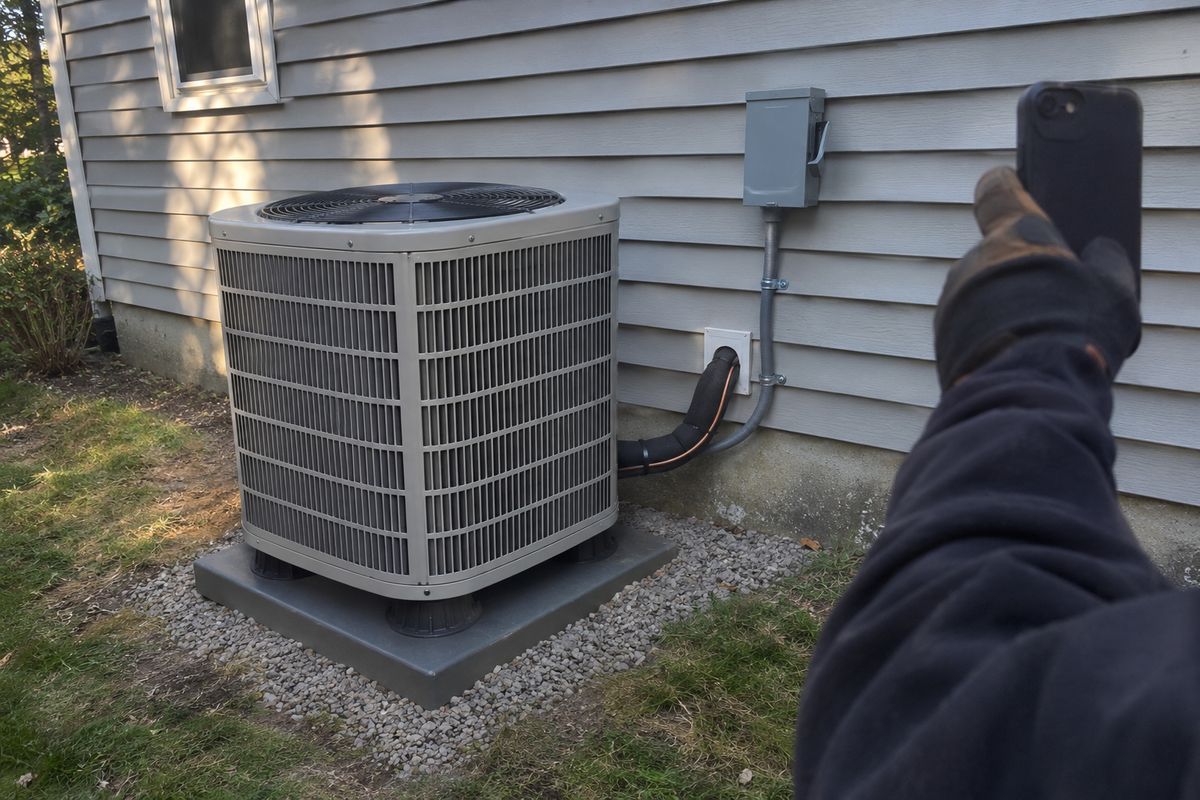
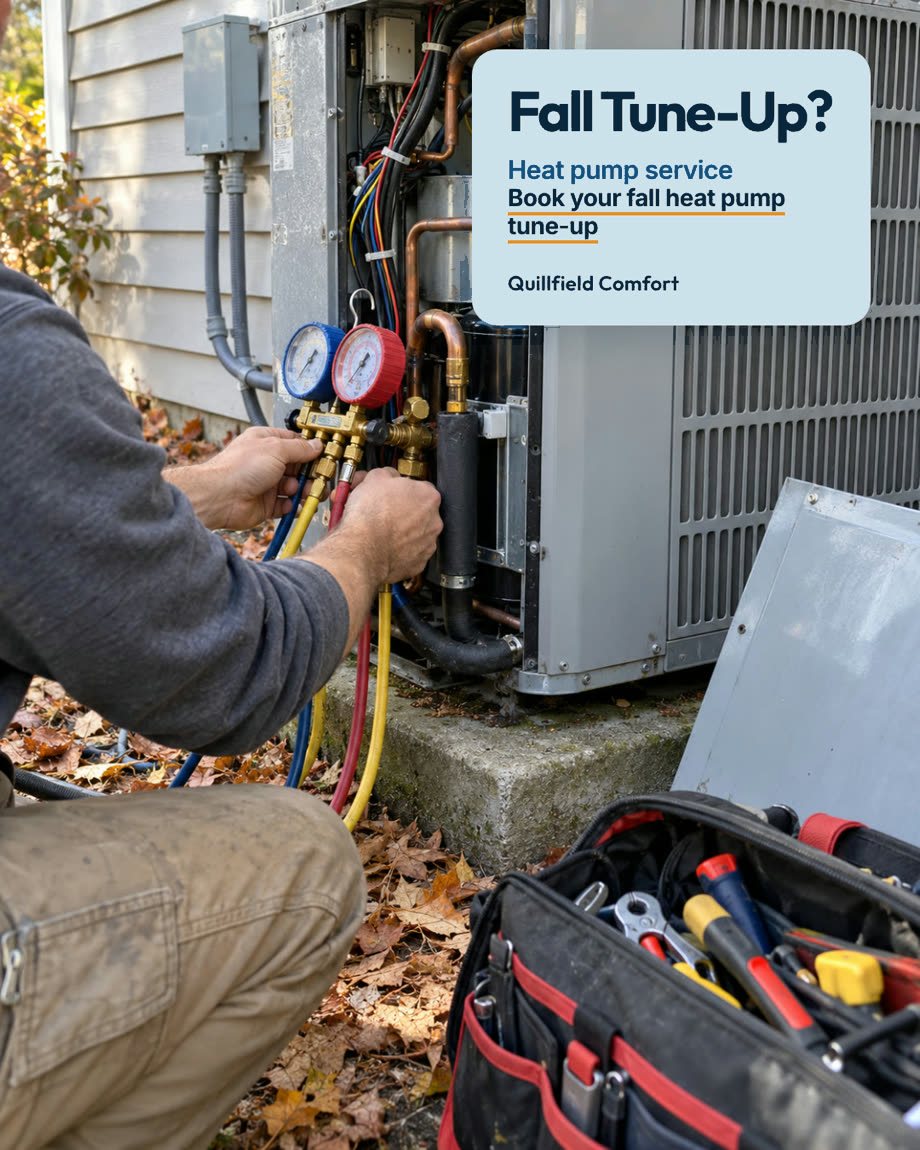
- Heat pump install. Photograph the new outdoor unit on its pad from a few feet back, with the old one on the truck if you can. Caption: "New [3-ton] heat pump in [town] today. The old unit was [18] years old and [short-cycling every few minutes]. [Line set flushed and reused / replaced], pad [leveled], old unit hauled away by [time]. Message us if yours is over [age] and getting loud."
- Repair call. Photograph the failed capacitor in a gloved hand next to the new one, with the disconnect pulled or after the access panel is back on. Caption: "No cooling in [neighborhood] this morning. The [capacitor] had [failed]. We swapped it and had the house back to [temperature] by [lunch]. If your outdoor fan hums but won't spin, turn the system off at the thermostat and call us."
The second one tells a neighbor what a bad capacitor sounds like. For a full season of these, see our HVAC social media post ideas, and social media marketing for HVAC companies shows how the posts fit the rest of the shop's marketing.
How do I automate social media without sounding like a robot?
Give the tool real job facts, then run every draft through a short test before you approve it.
Read the draft and cover up the company name. Then ask:
- Could any HVAC company in the country have posted this?
- Does it mention something that really happened this week?
- Would you say it out loud to a customer in their driveway?
- Is every claim in it true?
Send it back with more detail, or rewrite it yourself, if you answer yes to question 1 or no to 2, 3 or 4.
A robotic draft has no town and no equipment. The picture looks like stock. The caption says "top-quality service you can trust", ends every sentence with an exclamation mark, or uses a long dash where a person would use a comma.
A review post fails a different way. The draft quotes nothing and names no job: "Another happy customer! We pride ourselves on 5-star service." A neighbor reading it cannot tell what you did or where. Start from the review itself.
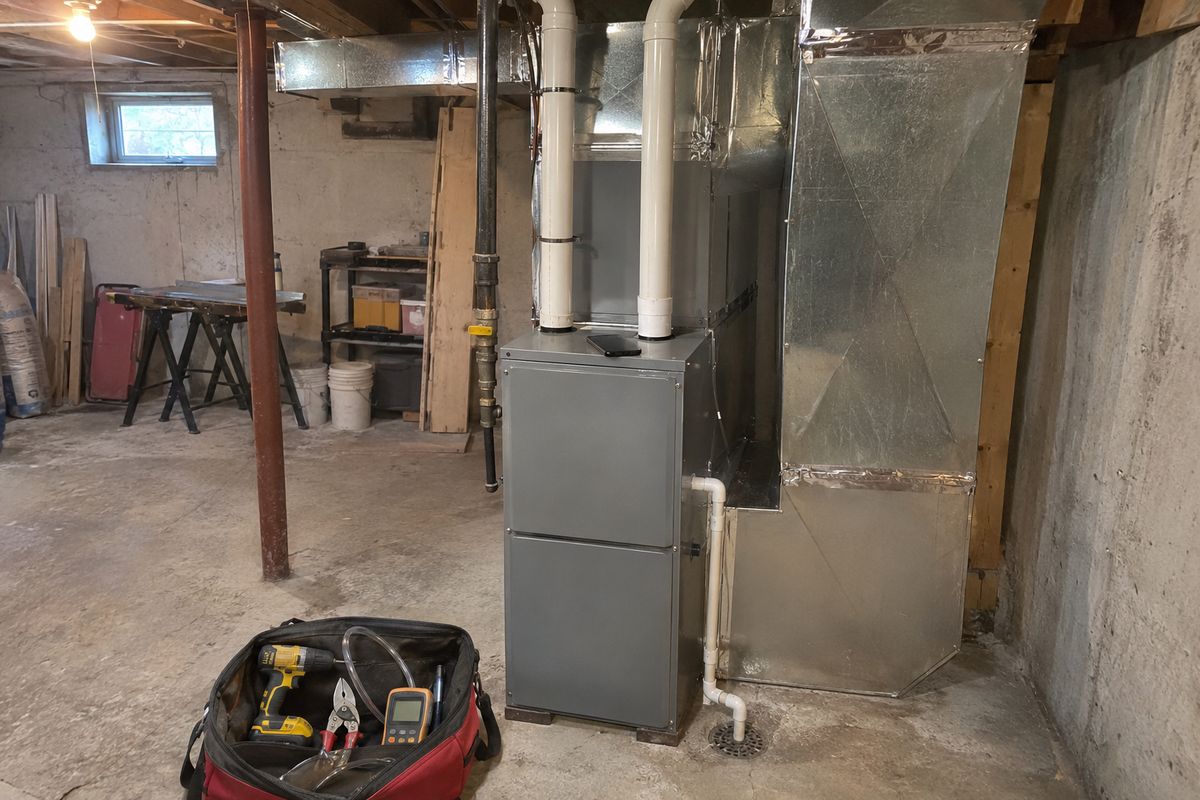
- Review from a furnace job. Photograph the finished furnace, or the tech's boots and tool bag at the basement stairs. Caption: "'[Short quote from the review, word for word.]' Thanks, [first name], for having us out to [replace the furnace / clear the drain line] in [town] last [day]."
Use the first name only, and only after the customer has said yes.
What happens to comments and messages when posts are scheduled?
Comments and messages keep coming, and a person has to answer them, ideally the same day.
Put three posts on a Page in a week and the same neighbor asks about your service area, your price and whether you work on their brand. That is the inbox you now have to cover. Meta says Business Suite "makes it easy to view notifications and respond to messages quickly" on its Meta Business Suite page (read 17 November 2026), but a person still has to write the replies. Saved wording is fine for hours and service area. It is not fine for a price or a diagnosis.
Three replies an HVAC office can adapt:
- Service area question. Reply: "Yes, we cover [town] and [town]. Message us your address and we'll get you on the schedule."
- Price question. Reply: "It depends on [the unit size and what's there now]. Send us a photo of the [label on the outdoor unit] and we'll give you a straight answer."
- Complaint. Reply: "Sorry about that, [first name]. Please message us your address and I'll call you today."
Once the complaint reply is up, take it private and call. Never argue under the post.
When should I pause scheduled posts?
Pause scheduled posts when something serious happens locally, when a price or offer changes, or when a customer asks you to take their job down.
- A fatal fire or crash in your town.
- A storm or heat wave that hurt people in your area.
- A price, rebate or financing offer that changed after the post was written.
- A complaint in progress from the customer whose job is in the post.
In Business Suite, open the Planner, click the post, then Options and Move to drafts. That cancels the scheduled time and keeps the post as a draft, so you can put it back later.
Say a heat-wave tip is set for Friday, and on Thursday the local news reports a heat death in your county. The tip is still true, but it reads badly that week, so hold it.
What should a contractor never automate?
Never automate replies to customers, anything that promises money or coverage, or the final yes on a post.
- Don't let the schedule run unread. Someone reads every scheduled post before its day and the comments after.
- Don't let a tool make promises. A wrong price, rebate or warranty term in a scheduled post is a promise you made. A person reads those every time.
- Don't auto-reply to complaints. A canned answer to an angry customer makes it worse. Call them.
- Don't let a cheerful post run over bad local news. Move it to drafts and post it later.
- Don't post a draft with the wrong town in it. Check the town first, then the unit.
- Don't fill empty days with stock photos. Skip the day and post the next real job.
- Don't post a customer's house or review without their okay. Ask by text and keep the yes.
Can CredibleAI automate my posts and still let me approve them?
CredibleAI makes a week of Facebook and Instagram posts from your own job photos, reviews and local weather and puts them on the days you pick. You approve each regular post, or press Make my week to schedule the next seven days at once, and anything that mentions a price, a warranty or a license always waits for you to read it. Comments and messages stay with you or your office, and the social media automation for contractors page and how CredibleAI works show the approval step. It is one plan, $199 a month or $1,999 a year, with a 7-day free trial of up to 7 posts.
Automation FAQ: what else do contractors ask?
ChatGPT, vacations, recycling old posts, the time it takes and posts that look alike, in short answers.
Can ChatGPT automate social media posts?
ChatGPT can automate the drafting part of social media posts if you give it the job details: where the job was, what unit it was and what you fixed. Whether it can also publish for you depends on what is connected to it, and that changes, so check OpenAI's own help pages before you count on it. A person still checks the facts.
Do scheduled posts still go out if I'm on vacation?
Scheduled posts still go out on their day whether you are at the shop or on vacation. Before a trip, read everything that is lined up and name one person to answer comments and messages. If nobody can cover the inbox, schedule fewer posts for that week so questions don't sit unanswered.
Is it okay to recycle old posts automatically?
Recycling old posts automatically is fine for seasonal tips and risky for job posts. Reread a filter or tune-up tip once a year and run it again if it is still true. Leave job posts alone, because a customer who sees their house twice notices, and old prices and rebates go stale.
How long does it take to run automated posts each week?
The time automated posts take each week depends on how many jobs you photograph and how fast you approve, so we won't give a number we haven't measured. When you automate social media posts, the reading and the replies are what remains. Set one sitting a week for approvals and a fixed time each evening for the inbox.
Will automated posts all look the same?
Automated posts look the same when they are built from the same thin material. Feed the tool different jobs, such as an install, a repair, a review and a seasonal tip, and the posts differ because the work differs. If three posts in a row could swap captions, send the tool more detail from each job.